Staying on top of your customer dispute letters and progress is an integral part of your business. DisputeSuite provides the necessary tools to effectively manage and track your customer’s dispute letters.
Track & record dispute results
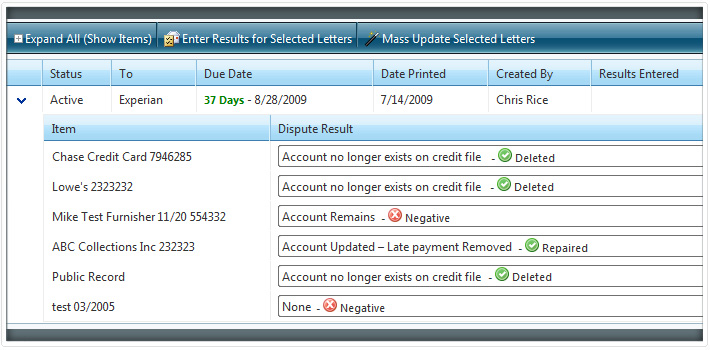
Once you receive mailed in updates from your customers simply enter in the results. You can mark accounts as verified, deleted, corrected and more. With the original status next to the results status, it is easy to see a customer’s progress. Also, when results are entered in, the credit report will adjust to show the result so you can easily see whether a credit report item has been deleted or repaired or whether it is still negative. The results will automatically display in the customer portal.
Dispute letter workflow
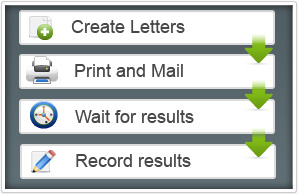
DisputeSuite makes it easy to create, track, and manage the dispute process in simple steps. Once letters are created, they are stored under the Pending Print until you print them. Once letters are printed, they will move to the Active letters section and remain there until results are entered.
Once results are entered for a letter, the letter is moved to Archived letters. This workflow process makes it extremely easy to track each customer’s dispute letters and progress.
Credit dispute letter management
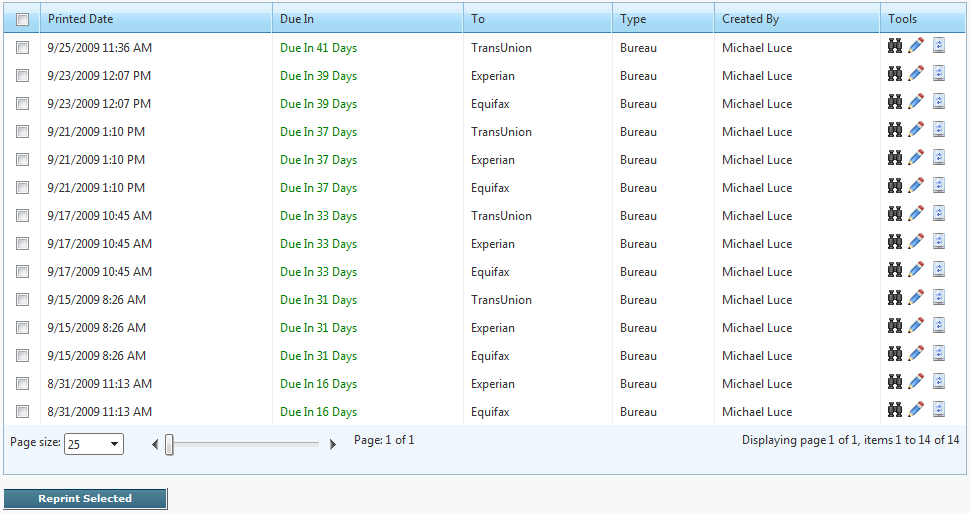
Letters are stored in a central database and can be previewed and printed at any time. The multi-user online application allows letters to be created at one geographical location and printed at another such as a print center. The letters are stored in the database and marked with the date they were printed, who the dispute went to, and more.
Create follow-up dispute letters in seconds!
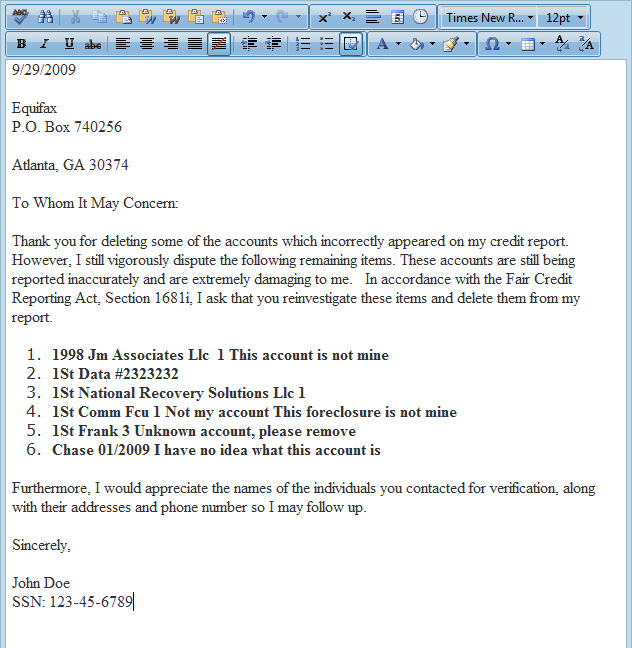
After you enter in dispute results for a letter, you can select Save and Dispute Remaining. It will automatically create a follow-up letter with any remaining items that have not been marked as repaired or deleted. This makes procedure requests and follow-up letters super fast!
For example, let’s say you have a letter with 4 items disputed and 2 were deleted and the other 2 were verified. The follow-up system will automatically create a letter listing the 2 items that were verified and leave out the 2 that were deleted.